Writing Sample
SDK Integration Guide
This sample shows how I write task-oriented integration documentation for developers who need clear sequencing, working code, and practical troubleshooting.
Why this sample matters
SDK documentation should reduce uncertainty during implementation. Developers need to know what prerequisites matter, what order to follow, and what common issues might block them. This kind of guide is most effective when it is concrete, predictable, and easy to scan.
How the sample is presented
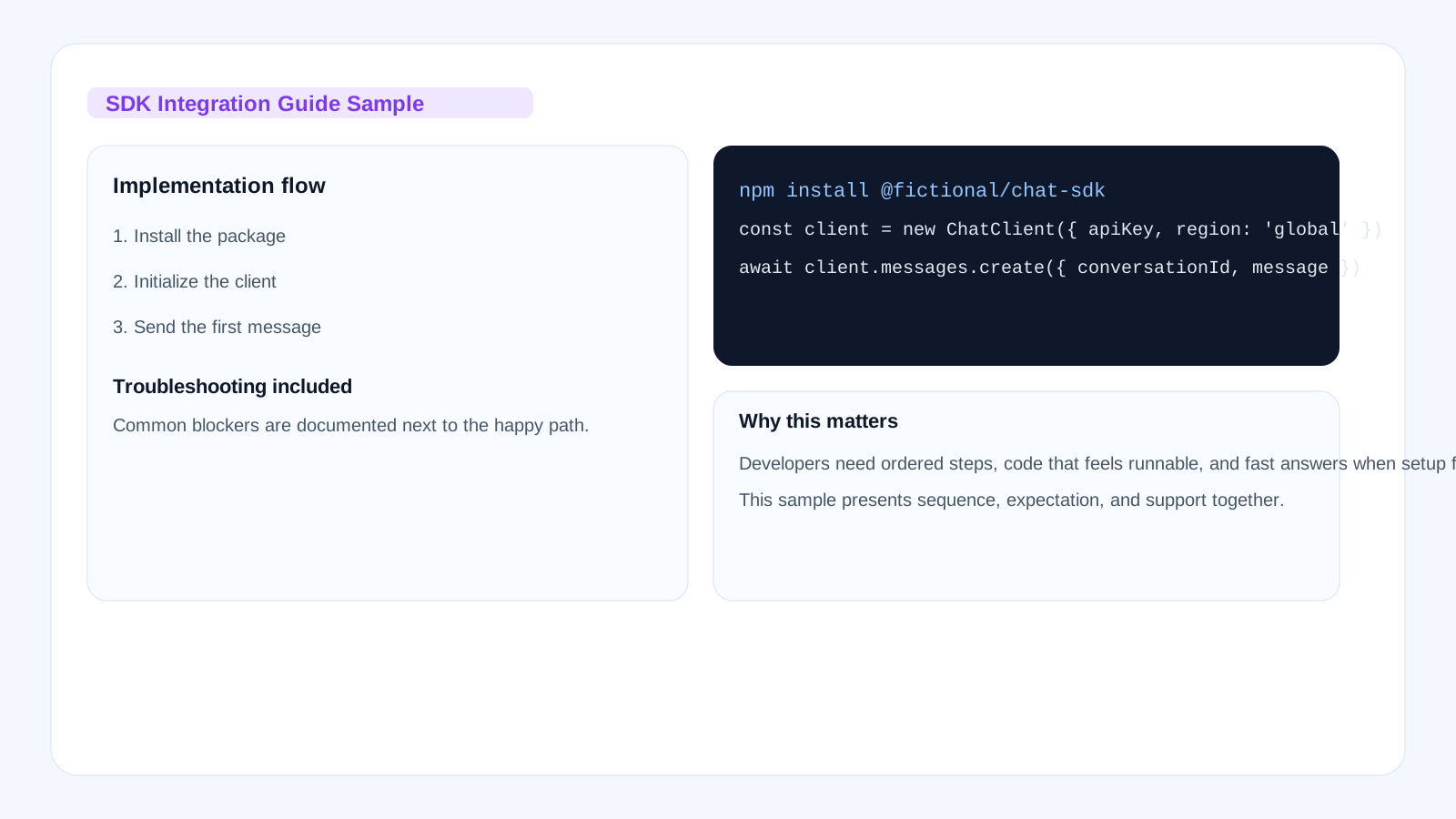
The visual preview shows the full integration path at a glance: install, initialize, send a message, and handle common failures. That gives reviewers a more realistic impression of the sample than an abstract illustration would.
Task goal
In this guide, you install the Fictional Chat SDK, initialize the client, and send your first message.
Before implementation
- Node.js 18 or later
- An API key from the developer console
- A JavaScript or TypeScript project
Step 1. Install the SDK
npm install @fictional/chat-sdk
Step 2. Initialize the client
import { ChatClient } from '@fictional/chat-sdk';

const client = new ChatClient({
  apiKey: process.env.FICTIONAL_API_KEY,
  region: 'global'
});
Step 3. Send a message
const response = await client.messages.create({
  conversationId: 'demo-session',
  message: 'Hello, can you summarize this article?'
});

console.log(response.output);
Step 4. Handle streaming responses (advanced)
import { ChatClient, StreamEvent } from '@fictional/chat-sdk';

const client = new ChatClient({
  apiKey: process.env.FICTIONAL_API_KEY,
  region: 'global'
});

const stream = await client.messages.stream({
  conversationId: 'demo-session',
  message: 'Explain machine learning in simple terms.',
  stream: true
});

for await (const event of stream) {
  if (event.type === StreamEvent.TEXT_CHUNK) {
    process.stdout.write(event.data);
  } else if (event.type === StreamEvent.DONE) {
    console.log('\n\nComplete!');
    console.log('Total tokens:', event.usage.total_tokens);
  }
}
Step 5. Error handling (complete example)
try {
  const response = await client.messages.create({
    conversationId: 'demo-session',
    message: 'Hello world'
  });
  console.log('Success:', response.output);
} catch (error) {
  if (error.status === 401) {
    console.error('Authentication failed: Check your API key');
  } else if (error.status === 429) {
    console.error('Rate limit exceeded: Try again later');
  } else if (error.status === 500) {
    console.error('Server error: Our team has been notified');
  } else {
    console.error('Unexpected error:', error.message);
  }
}
Common blockers
| Issue | Possible Cause | Resolution |
|---|---|---|
| 401 Unauthorized | Invalid or missing API key | Check that FICTIONAL_API_KEY is set correctly. |
| Connection timeout | Network restrictions or wrong region | Verify network access and confirm the configured region. |
| Module not found | SDK not installed or wrong import path | Run npm install @fictional/chat-sdk and verify imports. |
| 429 Too Many Requests | Rate limit exceeded | Implement exponential backoff and retry after the Retry-After header. |
| TypeError: client is undefined | Initialization failed | Ensure the client is initialized before calling methods on it. |
Production-ready patterns
1. Centralized client configuration
// lib/chat-client.js
import { ChatClient } from '@fictional/chat-sdk';

let client = null;

export function getChatClient() {
  if (!client) {
    client = new ChatClient({
      apiKey: process.env.FICTIONAL_API_KEY,
      region: 'global',
      timeout: 30000
    });
  }
  return client;
}
2. Safe conversation management
export async function sendMessageWithRetry(
  conversationId,
  message,
  maxRetries = 3
) {
  const client = getChatClient();
  let attempt = 0;

  while (attempt < maxRetries) {
    try {
      return await client.messages.create({
        conversationId,
        message
      });
    } catch (error) {
      attempt++;
      if (attempt === maxRetries || error.status < 500) {
        throw error;
      }
      await new Promise(r => setTimeout(r, 1000 * attempt));
    }
  }
}